
The official Apple iCloud website has been put online ahead of the release of iOS 5 which will be available for download in a few hours time. iCloud has been one of the core service that included in iOS 5, where its primary function is to automatically, effortlessly and seamlessly stores all your music, photos, documents, and more and wirelessly pushes them to all your devices.
Login to iCloud via https://www.icloud.com/.
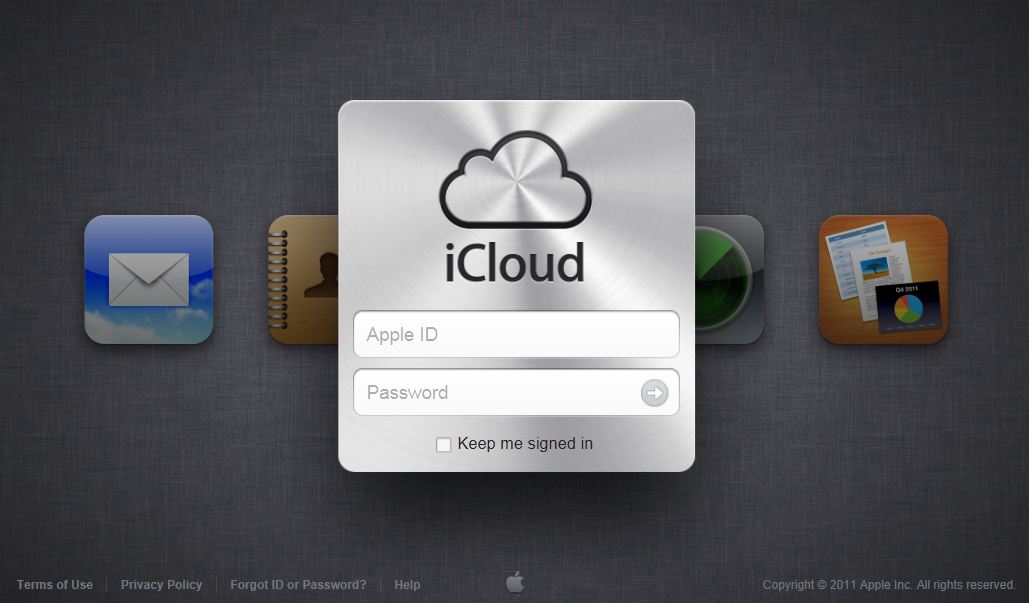
However, you can sign up for iCloud service on the website. Instead, uses are required to sign up for an iCloud account on an iPhone, iPad, or iPod touch running iOS 5, or on a Mac running OS X Lion v10.7.2, in order to start using free service of Mail, Contacts, Calendar and iWork. Find My iPhone, iPad, iPod touch, or Mac service is already live as it’s been available for free previously.

iCloud includes:
- iTunes in the Cloud: Music you purchase in iTunes appears automatically on your devices. You can also download your past music or TV show purchases.
Note: iTunes in the Cloud availability varies by country. TV shows is U.S. only.
- Photo Stream: When you take a photo on one iOS device, it automatically appears on your other devices with no syncing required.
- Documents in the Cloud: If you’ve installed an app that supports Documents in the Cloud on more than one device, iCloud automatically keeps your documents up to date across your devices.
- Apps and Books: Apps and books that you purchase appear on your iOS devices automatically. You can also download your past purchases of apps and books.
- Backup: iCloud automatically backs up your iOS device daily over Wi-Fi when it’s connected to a power source and the device is screen-locked. iCloud backs up your purchased music and TV shows, apps, books, Camera Roll, device settings, app data, Home screen and app organization, messages (iMessage, SMS, and MMS), and ringtones.
Note: Backup of purchased music is not available in all countries. Backup of purchased TV shows is U.S. only.
- Contacts, Calendar, Mail: iCloud stores your calendars and contacts and automatically keeps them up to date across your devices. With iCloud, you can also get a me.com email account that pushes new messages to your devices. iCloud also stores and updates your bookmarks, reminders, and notes.
- Find My iPhone, iPad, iPod touch, or Mac: If you misplace your iPhone, iPad, iPod touch, or Mac, you can use Find My iPhone to help you find its location on a map, play a sound at full volume, send a message, lock the screen, or erase its data. You can use the Find My iPhone web application at icloud.com on any computer, or download and use the free app on your iOS device.
- Back to My Mac: Using Back to My Mac, you can securely connect to your remote Mac from another Mac over the Internet, and access files or control its screen.
 Tip and Trick
- How To Download HBO Shows On iPhone, iPad Through Apple TV App
- Windows 10 Insider Preview Build 19025 (20H1) for PC Official Available for Insiders in Fast Ring – Here’s What’s News, Fixes, and Enhancement Changelog
- Kaspersky Total Security 2020 Free Download With License Serial Key
- Steganos Privacy Suite 19 Free Download With Genuine License Key
- Zemana AntiMalware Premium Free Download For Limited Time